



A lost house key at 11 p.m. is stressful. A staff member who needs access before opening time can create the same problem. Keyless entry systems reduce the need for physical keys while giving homeowners and businesses more control over who can enter, when they can enter, and how access can be changed.
For properties across Vancouver and the Lower Mainland, the right system depends on the door, the number of users, the level of security required, and what happens when power, batteries, or a phone fail. A keypad lock can be an excellent fit for a family home. A busy office, strata building, or retail unit may need credential tracking and managed access instead.
What Are Keyless Entry Systems?
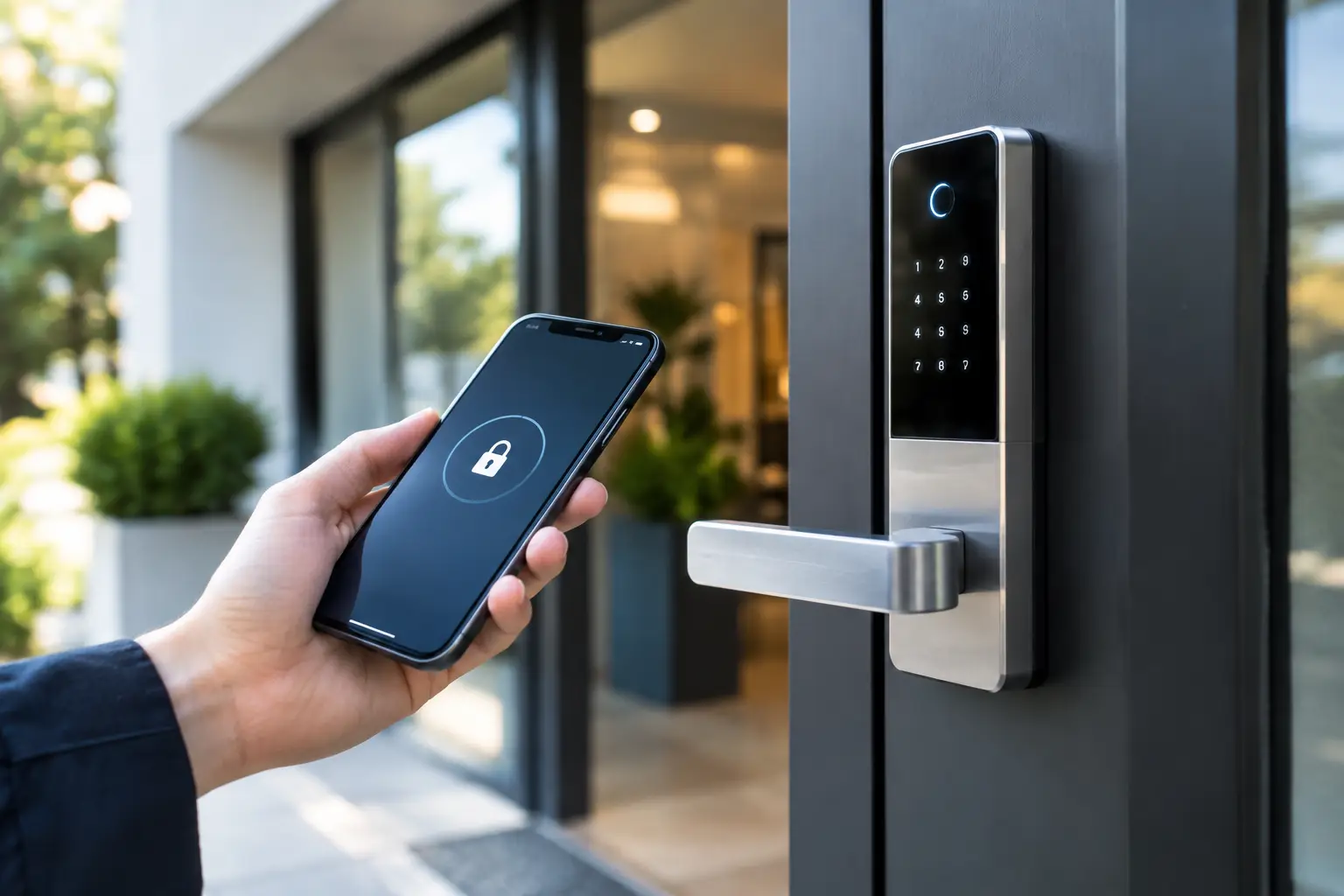
A keyless entry system lets an authorized person open a door without using a traditional metal key as the primary method of access. Depending on the setup, users may enter a PIN code, present a fob or access card, use a mobile app, or provide a biometric credential such as a fingerprint.
Many residential electronic locks replace the existing deadbolt on a front, side, or garage-entry door. Commercial systems can be more involved. They may combine electronic locks, readers, door closers, exit hardware, intercoms, and an access-control panel that records activity and manages permissions.
Keyless does not always mean key-free. Most quality residential locks retain a mechanical key override. That backup matters when batteries die, an electronic component fails, or a user is unfamiliar with the system. For commercial properties, a properly planned override procedure is just as important as the technology itself.
Choosing the Right Keyless Entry System
The best choice starts with how the door is used. A keypad deadbolt is often practical for a homeowner who wants family members, a cleaner, or a dog walker to have their own code. Codes can be changed after a tenant moves out, a contractor finishes work, or a phone is lost. There is no need to collect and rekey every copied metal key.
Smart locks add remote features through Wi-Fi, Bluetooth, or a connected hub. They can send alerts, allow temporary codes, and let an owner manage access while away from home. That convenience comes with a trade-off: the system needs secure account settings, regular app updates, and a dependable plan for battery replacement. A smart lock should not be chosen only because it works with a particular phone.
Fob and card systems suit properties with frequent users, such as offices, warehouses, apartment common areas, and medical or professional practices. A missing fob can be removed from the system without changing the physical lock. This is a major advantage over a lost master key, especially where many people have access.
For higher-traffic commercial doors, standalone keypad locks may not be enough. A managed access-control system can assign individual credentials, limit access by time of day, and show which credential was used at a particular door. It is useful for businesses that need to protect stockrooms, server rooms, offices, or restricted work areas.
Biometric readers can reduce code sharing and eliminate the need to carry a credential, but they are not automatically the best answer. They cost more, may require more careful configuration, and should be selected with privacy expectations and the working environment in mind. Dirty hands, gloves, rain, and very high traffic can affect which reader type makes sense.
Residential access: convenience without weak points
For a home, look first at the quality of the deadbolt and door preparation. An electronic lock is only as secure as the door, strike plate, frame, and installation behind it. A strong lock fitted to a loose strike plate or deteriorated wood frame will not deliver the protection a homeowner expects.
Choose a system with a clear low-battery warning and keep fresh batteries available. Avoid sharing one household code with everyone. Separate codes make it easier to remove access for a former roommate, short-term guest, or service provider without disrupting the rest of the household.
If the lock connects to the internet, use a unique account password and turn on multi-factor authentication where available. Remote access can be useful when a child arrives home from school or a family member is locked out, but account security deserves the same attention as the lock on the door.
Commercial access: control, records, and safe exit
Businesses should consider more than entry. Doors must also allow safe, code-compliant exit in an emergency. The right installation may involve panic hardware, a request-to-exit device, fire-rated door considerations, or integration with a building's existing systems. These details are not DIY decisions for a high-use commercial door.
Property managers should also decide who administers the system. If one employee controls every credential and leaves unexpectedly, can the business quickly regain administrative access? Keep secure records of system ownership, administrator accounts, backup keys, and emergency contacts. Access permissions should be reviewed when employees change roles or leave.
For multi-tenant properties, a system that can issue temporary credentials is often more practical than distributing building keys. Contractors can receive access for a scheduled period, then lose it automatically when the work is complete. This reduces the risk of uncontrolled key copies circulating long after a job ends.
Installation Matters as Much as the Lock
Keyless locks need correct alignment to work reliably. If a deadbolt rubs against the strike, a motorized lock may drain batteries quickly or fail to lock consistently. A locksmith checks the door swing, backset, latch alignment, frame condition, and hardware compatibility before completing the installation.
Some doors need more than a new lock. A warped exterior door, damaged jamb, weak strike screws, or loose hinges can cause ongoing trouble. On commercial openings, incorrect installation can interfere with the door closer, latching action, or exit hardware. Addressing these problems at the start helps prevent a new electronic lock from becoming another service call.
Power planning also matters. Battery-operated locks are common and often reliable when maintained, while wired access-control hardware may be better for doors with heavy daily use. A commercial system may need battery backup so authorized users can exit safely and the property maintains the intended access behaviour during an outage.
Common Problems and What to Do
Most keyless entry issues are manageable, but forcing the door or repeatedly entering random codes can make the situation worse. If a keypad does not respond, start by checking the battery warning, confirming the correct code, and making sure the bolt is not under pressure from a misaligned door.
A door that will not lock electronically may need to be pushed, pulled, or lifted slightly while the bolt operates. That points to an alignment issue, not necessarily an electronic failure. Do not keep cycling the lock if the motor sounds strained.
If a smart lock will not connect, the door may still work locally with its keypad, fob, or physical backup key. Connection problems often affect remote management rather than basic door operation. Protect the backup method and make sure trusted household members or site managers know where it is stored.
When a lockout, damaged lock, failed keypad, or compromised credential creates an urgent security concern, a professional locksmith can assess the opening and restore access without unnecessary damage. NOW LOCKSMITH provides 24/7 locksmith support for residential, commercial, and automotive access needs across Vancouver and surrounding Lower Mainland communities.
When a Keyless System Is Not the Best Fit
A conventional high-security deadbolt may be the better choice for a rarely used door, a property where users are uncomfortable with electronic devices, or a location with no practical way to maintain batteries and backup access. Keyless technology adds convenience, but it also adds components that need occasional attention.
The answer is sometimes a combination: electronic access at the main entrance, mechanical security at a storage room or secondary gate, and properly controlled keys for emergency backup. The goal is not to put technology on every door. It is to make entry easier for authorized people and harder for everyone else.
Before choosing a lock, stand at the door and think through a real bad day: a dead battery, a lost phone, a departing employee, a late-night lockout, or a power outage. A keyless entry system that has a clear backup plan will serve the property far better than one chosen only for its features.