



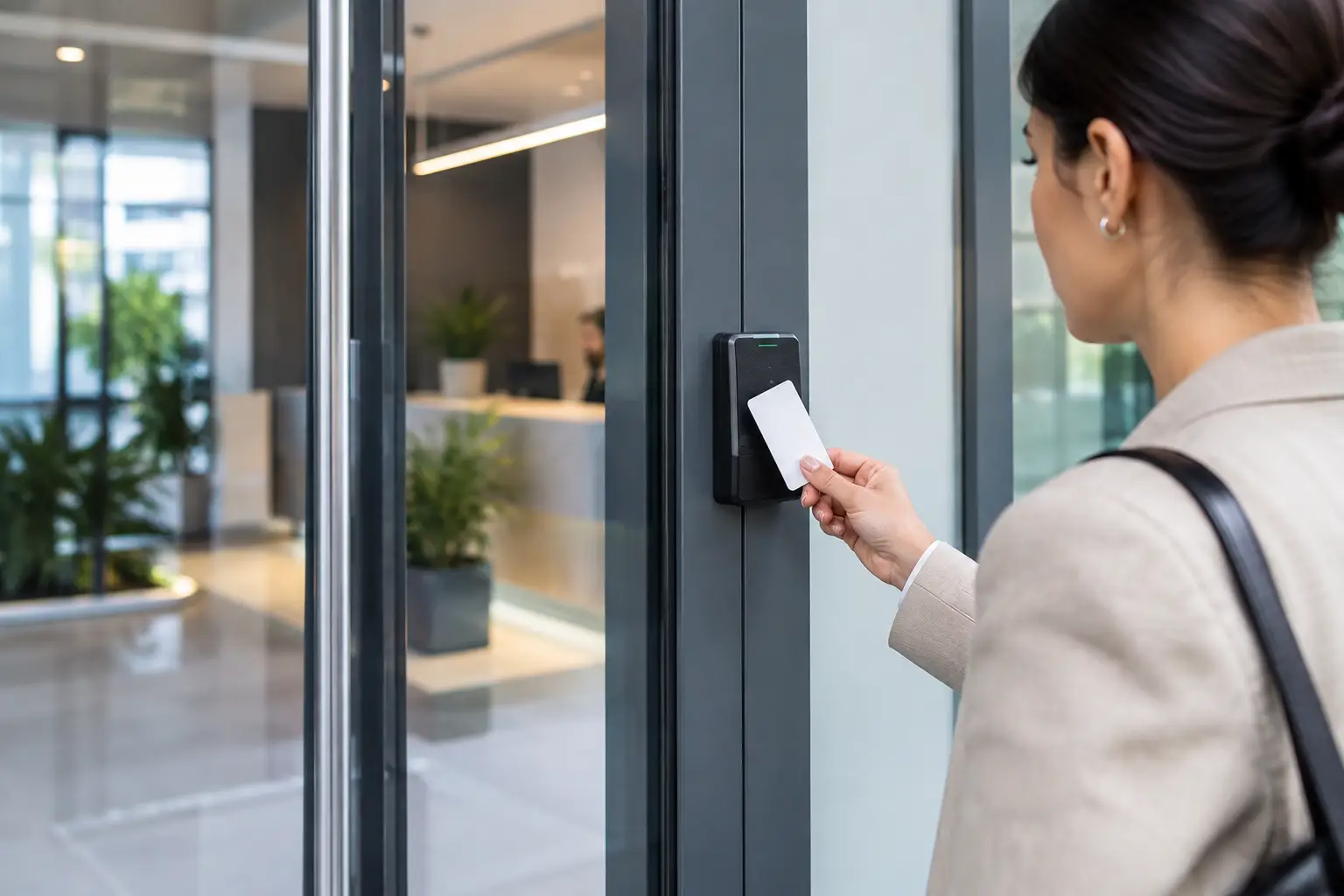
A front-door key copied years ago, a former employee still holding a fob, or a damaged lock after hours can quickly become a business security problem. The commercial access control trends affecting Vancouver-area businesses are focused on fixing those everyday gaps while making entry easier to manage for owners, managers, staff, and contractors.
For a small retail unit, office, warehouse, strata property, or multi-location business, the right system is not always the most technical one. It is the system that gives the right people access, prevents avoidable lockouts, and can be repaired quickly when something fails. Here is what local businesses should consider before changing their locks, keys, or access credentials.
Commercial Access Control Trends Moving Beyond Traditional Keys
Mechanical keys remain useful, especially for low-traffic doors, utility rooms, storage spaces, and emergency backup access. But they are difficult to track once they are handed out. If a key is lost or an employee leaves, a manager may not know whether it was copied. Rekeying restores control, but it takes time and can become expensive when it happens repeatedly across several doors.
That is why many commercial properties are moving toward restricted key systems, keypads, fobs, cards, and mobile credentials. Each option has a different job. A restricted keyway makes unauthorized duplication more difficult. A keypad removes the need to issue a physical key. Fobs and cards can be cancelled when a person no longer needs access. Mobile credentials can offer similar control through an employee's phone.
The trend is not that every business needs a fully electronic system. It is that businesses want a clearer record of who can enter and a faster way to remove access when circumstances change.
Mobile credentials are growing, but backup access still matters
Phone-based entry is becoming more common for offices, shared workspaces, managed buildings, and businesses with rotating staff. It can reduce the need to collect keys and fobs at the end of a shift or after an employee leaves. Some systems also let managers issue temporary access for a delivery driver, cleaner, or tradesperson.
There are practical limits. Phones run out of battery, apps can lose connection, and not every employee wants to rely on a personal device for workplace entry. A dependable system needs a backup plan, whether that is a physical credential, a properly managed mechanical key, or a secured emergency override.
For businesses in Vancouver, Burnaby, Surrey, Richmond, Coquitlam, Langley, and nearby communities, this is especially relevant for sites that operate early, late, or around the clock. A staff member locked out at 5 a.m. needs a solution that works immediately, not a password reset request that waits until office hours.
Better Credential Management, Not Just New Hardware
Many access-control issues begin with poor credential management rather than a failed lock. Businesses often know how many employees they have, but not how many keys, fobs, codes, or cards are in circulation. That uncertainty becomes a problem after staff turnover, a tenant change, or a break-in.
A current trend is to assign individual credentials rather than sharing one code or one key among an entire team. Individual access makes it easier to disable entry for one person without disrupting everyone else. It also gives managers a clearer way to investigate an entry issue, provided the system is used responsibly and with appropriate privacy practices.
For smaller businesses, this does not need to mean a complicated software platform. A restricted key system paired with a key sign-out process may be enough. For a larger office, warehouse, or mixed-use building, individual fobs or cards with scheduled permissions may be more practical.
Time-based access reduces unnecessary exposure
Another useful change is setting access by time and role. A cleaner may need entry from 8 p.m. to midnight, while an office administrator may need access during regular business hours. A contractor working on a Sunday should not necessarily have unrestricted access for the rest of the month.
Time-based permissions can reduce risk without creating daily inconvenience. They are most useful when schedules are predictable and someone is responsible for reviewing them. If no one updates permissions after a job ends, the benefit disappears.
Hybrid Security Is More Practical Than an All-or-Nothing Upgrade
Commercial access control does not have to replace every lock on the property at once. One of the more realistic commercial access control trends is the hybrid approach: electronic access where tracking and quick changes matter most, supported by quality mechanical hardware where simplicity is the priority.
For example, a business might use a keypad or fob system at the employee entrance, restricted keys for storage and utility areas, and commercial-grade deadbolts or panic hardware on exterior doors. This approach controls costs while improving the points of entry that create the most concern.
The hardware must match the door and how it is used. An access-control reader cannot compensate for a loose frame, misaligned strike plate, damaged closer, or worn-out lock. In high-traffic locations, door alignment and hardware condition are often as important as the credential system itself.
Emergency exit requirements cannot be an afterthought
Commercial doors must allow safe emergency egress. Access-control changes should never leave occupants struggling to exit during an emergency. Depending on the door, building use, and applicable requirements, panic hardware, exit devices, door closers, fire-rated hardware, and fail-safe or fail-secure locking arrangements may need careful consideration.
This is not an area to solve with a consumer-grade smart lock bought for a residential door. A commercial locksmith can assess the existing door, lock, frame, and exit hardware before recommending an upgrade. The goal is controlled entry without compromising safe exit or daily operation.
Cloud Management Adds Convenience and a New Responsibility
Cloud-managed access systems are appealing because an owner or property manager can add or remove users without being on site. This can be useful for businesses with multiple locations across the Lower Mainland, or for a manager responsible for several rental units, offices, or retail spaces.
The trade-off is that the system now depends on account security, user permissions, reliable internet service, and a vendor's ongoing support. If every manager shares one login, there is little accountability. If nobody knows who controls the administrator account, a staff transition can create a major access issue.
Before choosing a cloud-based system, ask who will own the account, who can make changes, how credentials are removed, and what happens during an internet outage. Also consider what entry information is collected and how it is handled. In British Columbia, businesses should be thoughtful about personal information and only collect and retain what they genuinely need for security and operations.
The Right Upgrade Starts With a Door-by-Door Review
A rushed purchase can leave a business with incompatible readers, weak locks, poor door operation, or a system that nobody knows how to manage. A short review of each entry point usually reveals where the real priorities are.
Before upgrading, identify these four details:
- Which doors need employee, customer, contractor, or delivery access.
- Who currently holds keys, fobs, cards, codes, or administrator access.
- Which doors have recurring issues such as sticking locks, damaged frames, lost keys, or after-hours lockouts.
- What must continue working during a power, phone, internet, or hardware failure.
That review helps separate an urgent repair from a planned security improvement. A broken commercial lock should be repaired or replaced promptly. A former employee retaining a key may call for rekeying immediately. A property with several unmanaged entries may benefit from a phased access-control plan rather than one large installation.
When Fast Locksmith Support Makes the Difference
Technology can improve control, but businesses still rely on physical doors, locks, hinges, closers, strike plates, and exit hardware. When any of those fail, a secure credential will not open a damaged lock, and a functioning lock cannot help if staff are locked out after hours.
NOW LOCKSMITH provides commercial locksmith support across Vancouver and surrounding Lower Mainland communities for urgent lockouts, lock repairs, rekeying, and new commercial lock installation. For businesses, a fast response can mean the difference between opening on time and losing a full morning of operations.
The best access-control setup is one your team can use confidently on its busiest day, while still giving you a clear response when a key is lost, an employee leaves, or a door fails after hours. Start with the doors that create the greatest operational or security risk, then build from there.