



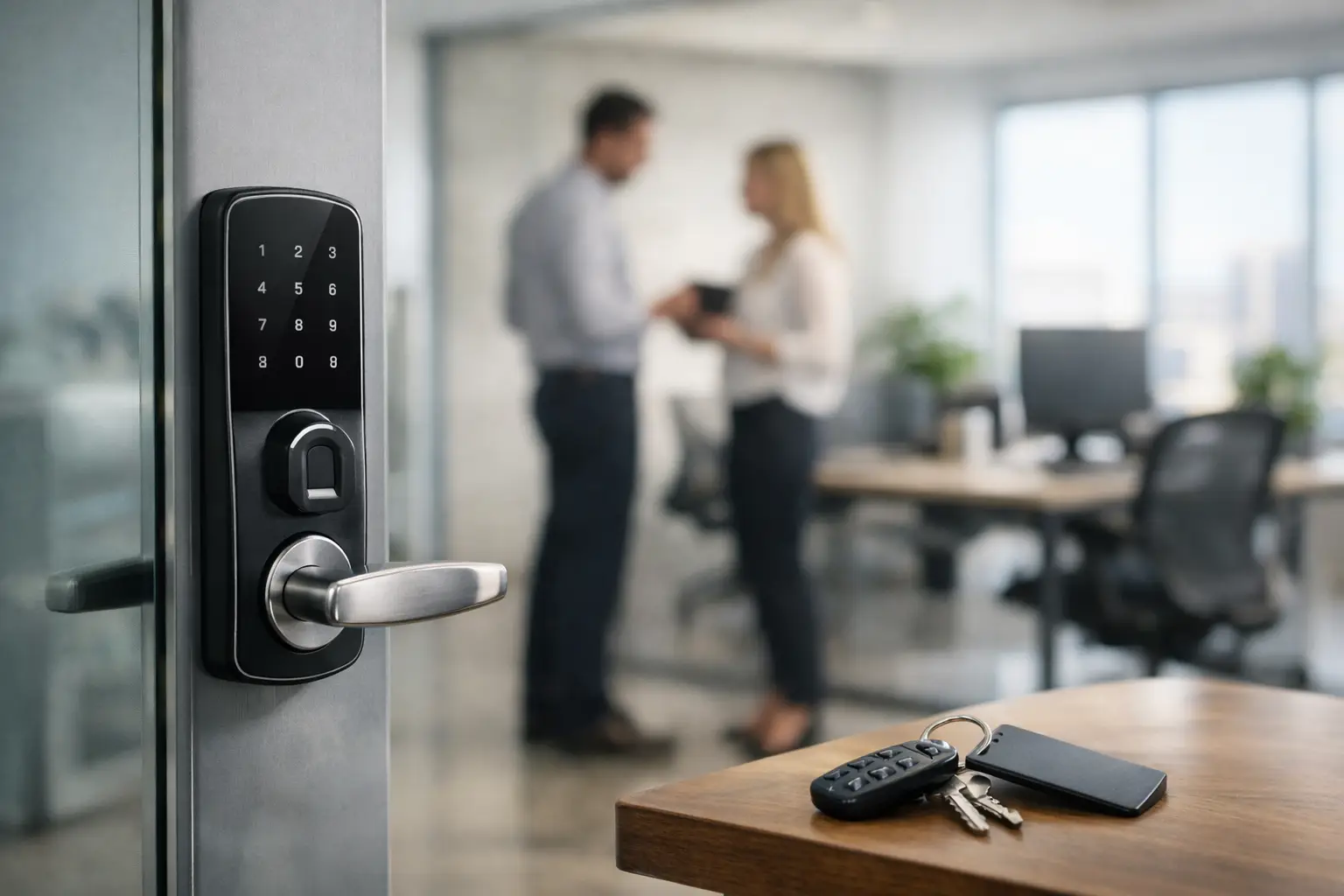
A staff member leaves after a late shift, a contractor needs access before opening, and the office manager is trying to track down a missing key. These are the everyday problems that make the best keyless entry for offices less about convenience and more about control. The right system lets the right people enter without creating a key-copying problem that grows every time your team changes.
For Vancouver-area businesses, the best choice depends on the building, staff size, door type, hours of operation, and how much oversight you need. A small professional office may be well served by a commercial keypad lock. A multi-tenant office, medical practice, warehouse, or property management company may need credentials, audit records, scheduled access, and a properly installed access-control system.
What Makes Keyless Entry Worth It for an Office?
Traditional keys are simple, but they are difficult to manage once several employees, cleaners, delivery staff, and contractors need access. A key can be copied without permission, misplaced off-site, or kept by a former employee. When that happens, the business may need to rekey or replace locks quickly.
Keyless entry changes that process. Instead of collecting physical keys, an authorized person can have a code, fob, card, or mobile credential removed from the system. This is particularly useful when employee turnover is high or when access needs to change outside regular business hours.
The benefit is not that every office needs a complex electronic system. It is that the access method should match the risk. A single front door with five employees has different needs than an office with sensitive records, restricted areas, multiple shifts, and frequent visitors.
The Best Keyless Entry for Offices by Need
Keypad door locks for small offices
A commercial-grade keypad lock is often the practical starting point for a small office, retail back room, or shared workspace. Staff enter a PIN instead of carrying a key, and the owner or manager can change the code when someone leaves.
This option works well when the door has light to moderate daily traffic and the business does not need detailed entry reports. Look for a lock designed for commercial use, not a basic residential smart lock. Office doors are opened far more often, and commercial hardware is built for heavier use.
The trade-off is accountability. If several staff members share one code, you know the code was used but not necessarily who entered. Separate user codes improve control, but managers still need a process for changing codes and removing old access promptly.
Fob and card access for growing teams
Proximity fobs and access cards make sense when an office has more employees, several doors, or a need to issue and cancel access individually. Each user receives a credential that can be programmed for specific doors and hours.
This is useful for businesses with staff who should access the front entrance but not a records room, IT room, storage area, or management office. It also makes lost credentials easier to handle. A missing fob can be deleted, rather than forcing a lock change.
Cards and fobs are familiar and quick to use. Their limitation is that they can still be loaned to another person. For higher-security areas, they may be paired with a PIN or another form of verification.
Mobile access for flexible workplaces
Mobile credentials allow staff to use an authorized phone for office entry. For hybrid teams, remote managers, and businesses that issue temporary access to contractors, this can reduce the need to distribute physical fobs.
Mobile access is convenient, but it should not be selected only because it feels modern. Ask what happens when a phone battery dies, an employee has no smartphone, or a visitor needs entry. A dependable office usually keeps a backup method, such as a PIN, fob, mechanical key override, or managed reception process.
It is also worth confirming who administers the system. If the office manager leaves, the business must retain control of the account, administrator credentials, and access records.
Networked access control for multi-door sites
A managed access-control system is usually the strongest fit for larger offices, medical and professional practices, warehouses, strata-managed commercial buildings, and sites with several restricted areas. It can manage doors centrally, assign individual access schedules, record entries, and allow administrators to change permissions without visiting each door.
For example, a cleaner may have access from 7 p.m. to 10 p.m., while a manager has 24-hour access to the main office but not the server room. This level of control can make daily operations easier and provide useful records after a security concern.
The trade-off is cost and planning. Wiring, door frames, fire code requirements, power, exit hardware, and integration with existing systems all matter. A poor installation can create reliability issues or interfere with safe exit from the building. Commercial access control should be assessed and installed for the specific door, not treated like a simple consumer electronics purchase.
Keyless Entry Is Only as Good as the Door Hardware
An electronic lock cannot compensate for a weak door, loose hinges, damaged frame, or worn closer. Before choosing a system, inspect the physical opening. A secure office entrance needs the lock, strike, door closer, hinges, and frame to work together.
This is especially relevant in older Vancouver and Lower Mainland commercial buildings, where door alignment can shift over time. If the latch does not line up correctly with the strike, electronic hardware may fail prematurely or leave staff unable to enter after hours.
For exterior doors, consider weather exposure and temperature changes. For glass storefront doors, aluminum-frame doors, and fire-rated doors, hardware options may be more limited. The installation needs to protect the door’s function and maintain safe egress from inside.
Questions to Ask Before Choosing a System
Start with the people who need access. Count permanent employees, managers, cleaners, contractors, and occasional visitors. Then consider which doors need control and whether everyone should have the same permissions.
It also helps to decide how you want to handle these situations: a lost fob, a terminated employee, an after-hours delivery, a dead battery, internet disruption, or a lockout at 6 a.m. The answers will point you toward a basic standalone lock or a system with more management features.
Ask whether the system provides individual user records, temporary access, time schedules, and an emergency override. Confirm ongoing costs as well. Some systems require subscriptions or managed software services, while others operate locally with fewer recurring fees. Neither is automatically better. The right option depends on how much remote administration and reporting your office actually needs.
Common Mistakes That Create Access Problems
The first mistake is choosing residential hardware for a busy commercial door. It may work at first, but high traffic and frequent use can expose its limits quickly.
The second is keeping one shared code for everyone. It is convenient until someone leaves or the code is shared outside the business. Individual codes or credentials are easier to remove and provide better accountability.
Another issue is installing access control without planning for emergencies. Staff must always be able to exit safely, and the building needs a reliable backup plan if a device, network connection, or battery fails. For offices with sensitive equipment or valuable inventory, it is also wise to consider whether the access system should work alongside alarms, cameras, or monitored security.
Finally, do not overlook service support. Access problems rarely happen at a convenient time. A door that will not latch, a damaged keypad, or a failed credential reader can stop staff from opening the office or leave a restricted area unsecured.
Choosing a Practical Office Access Plan
For a small office with one exterior door, a commercial keypad lock with individual staff codes and a mechanical override may be enough. For a larger team or several internal rooms, fob or card access gives better control. If your business manages multiple doors, changing schedules, restricted areas, or a rotating group of contractors, networked access control is usually worth the additional planning.
A professional assessment can confirm which hardware suits your door, occupancy requirements, and operating hours. NOW LOCKSMITH provides commercial lock and access support across Vancouver and surrounding Lower Mainland communities, including urgent assistance when an office access issue cannot wait.
The best system is the one your team can use confidently at 8 a.m., after a late shift, and during an unexpected staffing change - while keeping control of who is allowed through the door.